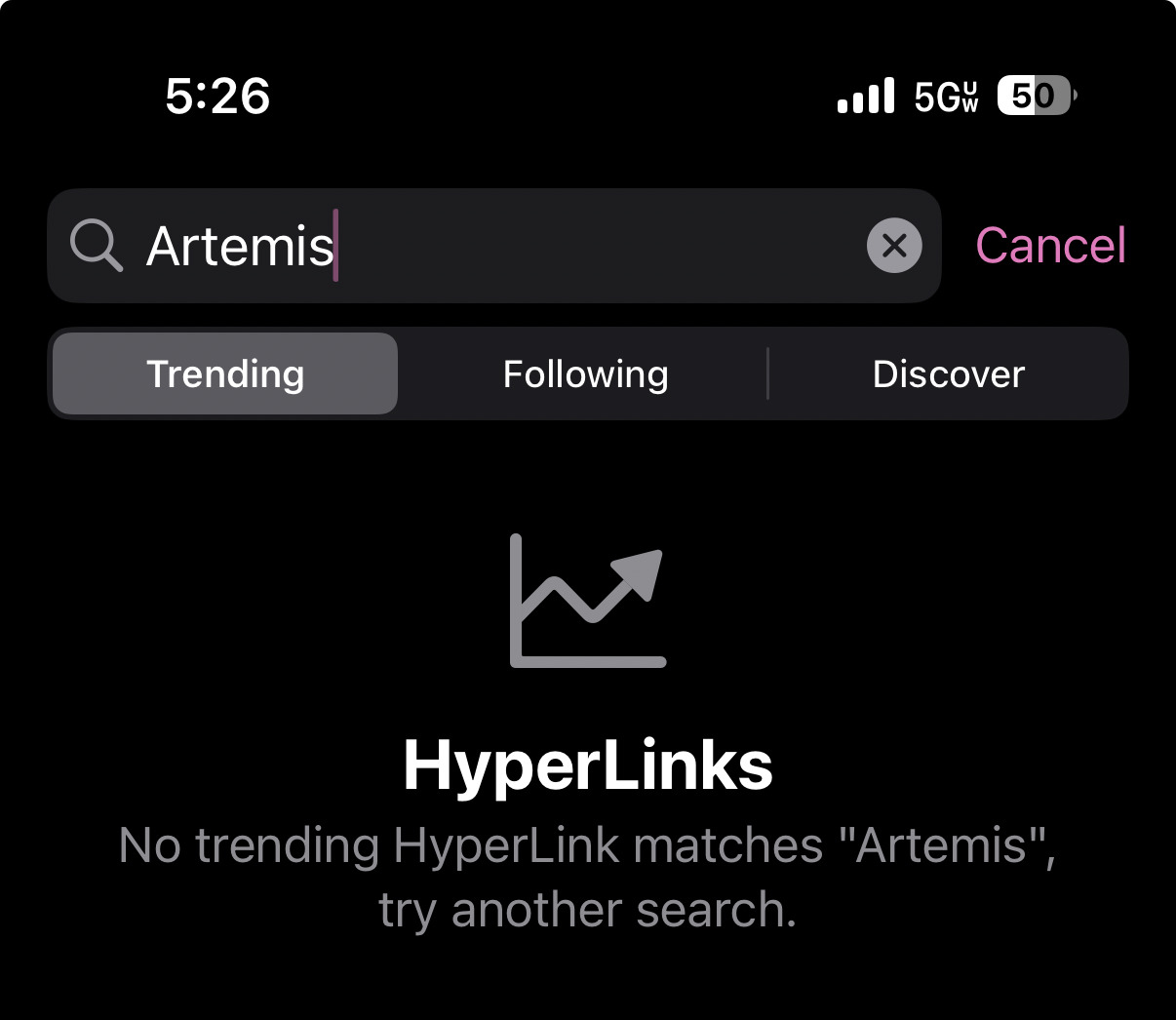
My goal with “search” in Explore is to make it multifunctional, similar to Chrome’s omnibox. It filters content on the trending and following tabs, and shows search results on the discover tab. It also tries to dynamically handle user input, so if you are on the Trending tab and input a filter/search term that doesn’t return any Trending results, it should automatically switch to the “Discover” tab.
The Trending tab shows you the most linked to pages in the last 48 hours from the feeds you follow. A minimum requirement for “trending” links is that they have to be referenced from more than one website. So if you follow @nasa.gov and they have posted something in the last 48 hours, AND another news outlet has also linked to it, AND it has “Artemis” in the title, description, or URL, then it would appear in your filter results. That’s what the text in that screenshot is attempting to explain: ‘No trending HyperLink matches “Artemis”’. If you were to scroll your Trending tab with no search/filter applied and see an article that you then cannot find with the search/filter, that would be a bug that I’d like to look into.
There is a lot more to do in Explore for sure. For example, I am planning on eventually extending search results to include full-text search of posts, which would let you do what you’re trying there with no external link requirement or 48 hour limit.